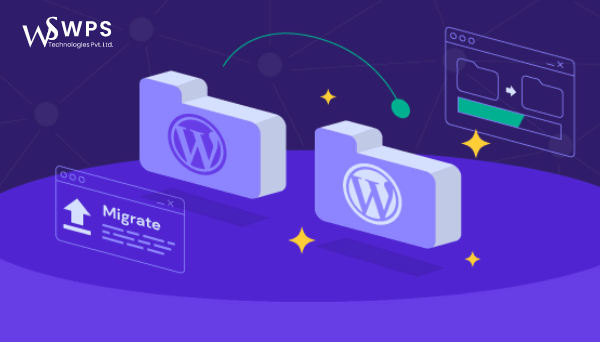
How to Migrate Your Website to WordPress: Tips and Tools for a Smooth Transition

Migrating your website to WordPress can seem daunting, but with the right tips and tools, the process becomes smooth and successful. WordPress is one of the most popular and powerful content management systems, offering flexibility and ease of use for all types of websites.
This guide will walk you through the key tips and tools you need for a seamless website migration to WordPress.
Tip #1: Plan Your Migration Strategy
Start by outlining your migration goals. Decide which content—pages, posts, and media—you want to keep or discard. Always back up your existing site before proceeding, so you have a fallback in case of issues.
Tip #2: Choose the Right WordPress Hosting Provider
A good hosting provider affects your site’s speed and stability. Choose one with:
- Fast loading times
- Reliable uptime
- User-friendly dashboard
- Experience in WordPress migrations
Tip #3: Install and Configure WordPress
Once hosting is ready, install WordPress. During setup:
- Choose a responsive theme
- Install necessary plugins
- Configure settings for SEO, security, and performance
Tip #4: Import Your Content
Export your content from the old site (usually as an XML file), then import it into WordPress using built-in tools or plugins. WordPress supports imports from other CMS platforms and custom-built websites.
Tip #5: Test Your Website
After migration, test every page, post, and plugin:
- Check for broken links or missing images
- Test forms and interactive features
- Ensure SEO and performance settings are intact
Tools for a Smooth Website Migration to WordPress
Here are some helpful tools to simplify and secure your migration:
- All-in-One WP Migration: Migrate the entire site including database, media, plugins, and themes easily.
- WP Engine: A managed WordPress hosting provider that handles security, backups, and performance optimization.
- Yoast SEO: Helps optimize your content for search engines with on-page analysis and keyword tools.
- UpdraftPlus: A powerful backup plugin that lets you restore your site easily in case of problems.
Conclusion
Migrating your website to WordPress doesn’t have to be stressful. With a clear plan, the right tools, and attention to detail, you can transition smoothly and take full advantage of WordPress’s capabilities.